Please select your purchased product and the date of first use
Upgrade guide
You can get the app in the following ways:
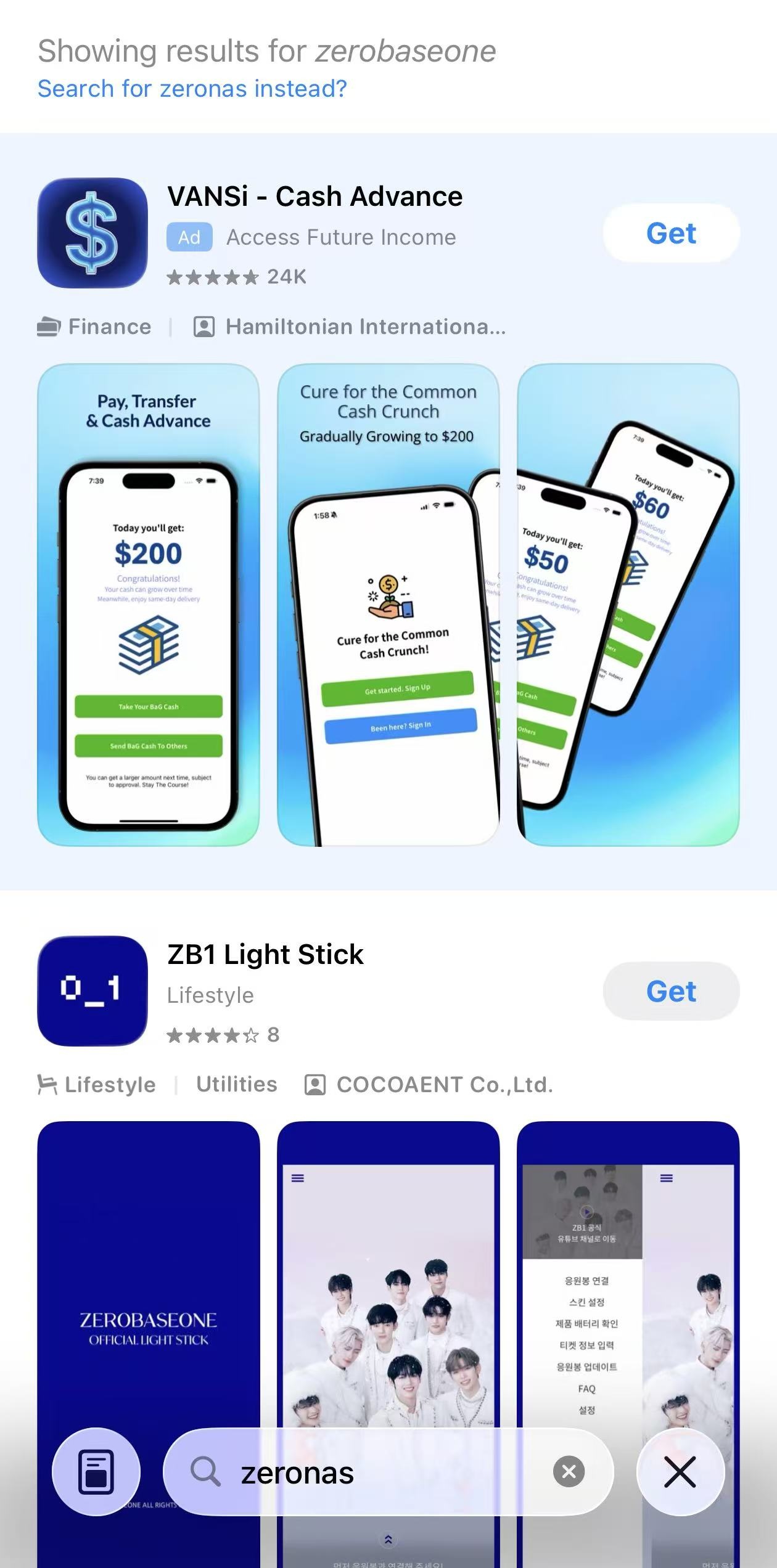
Search for ZeroNAS on the App Store or Google Play.
Note: When searching on the App Store, auto-correct might change your query and
hide the results. If this happens, just tap "Search for zeronas instead" as
shown in the image below.
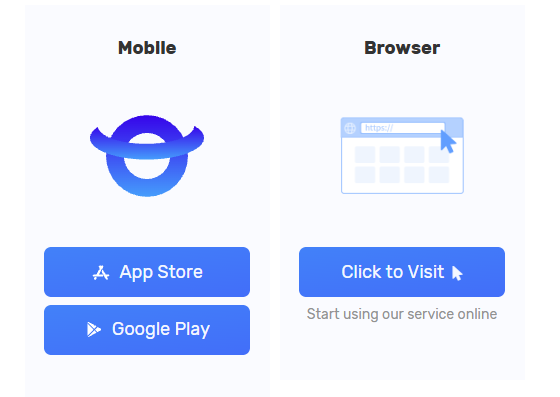
Download it directly from our official website's
download page.
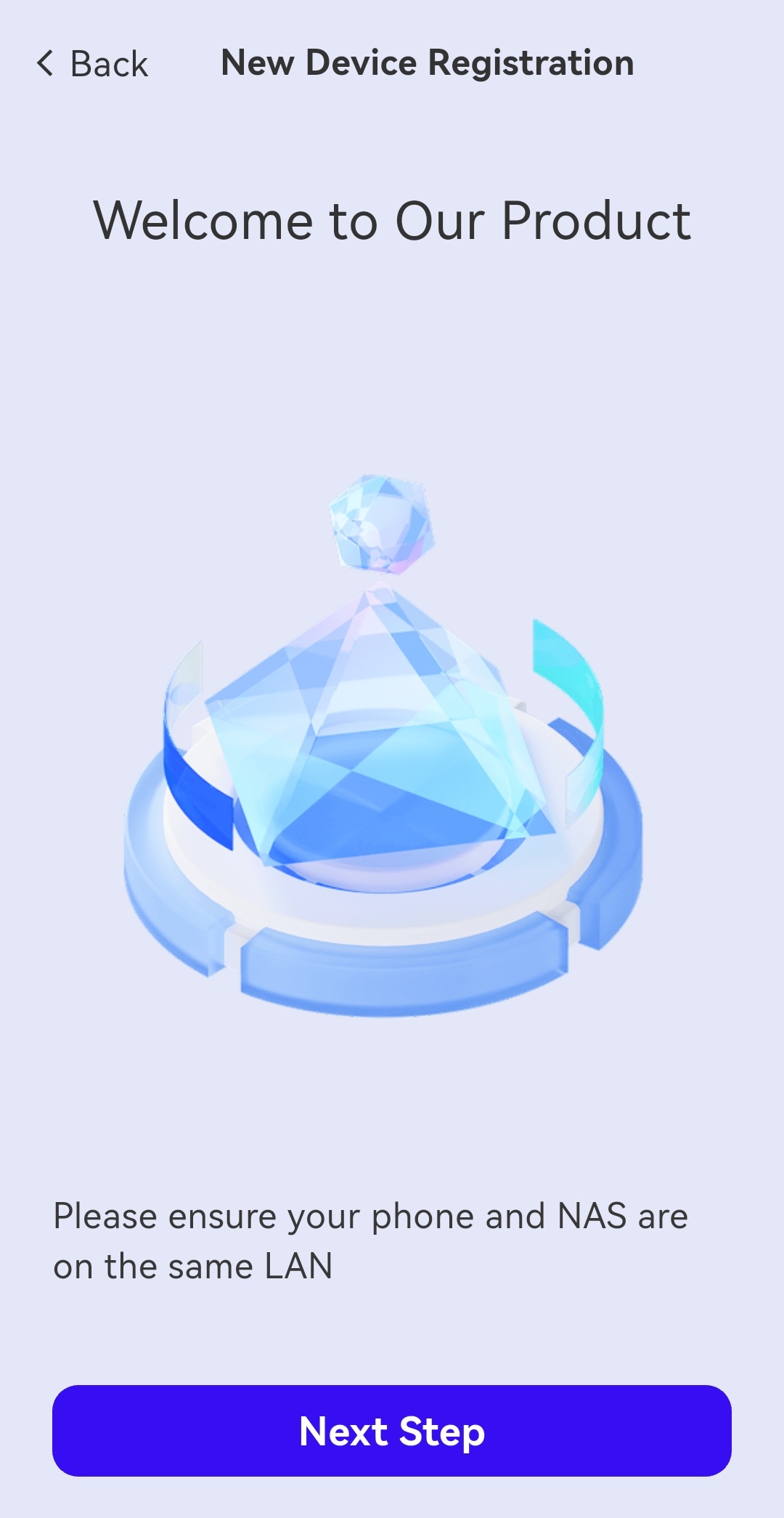
After installing the app, ensure your phone and the NAS are on the same local network
(LAN).
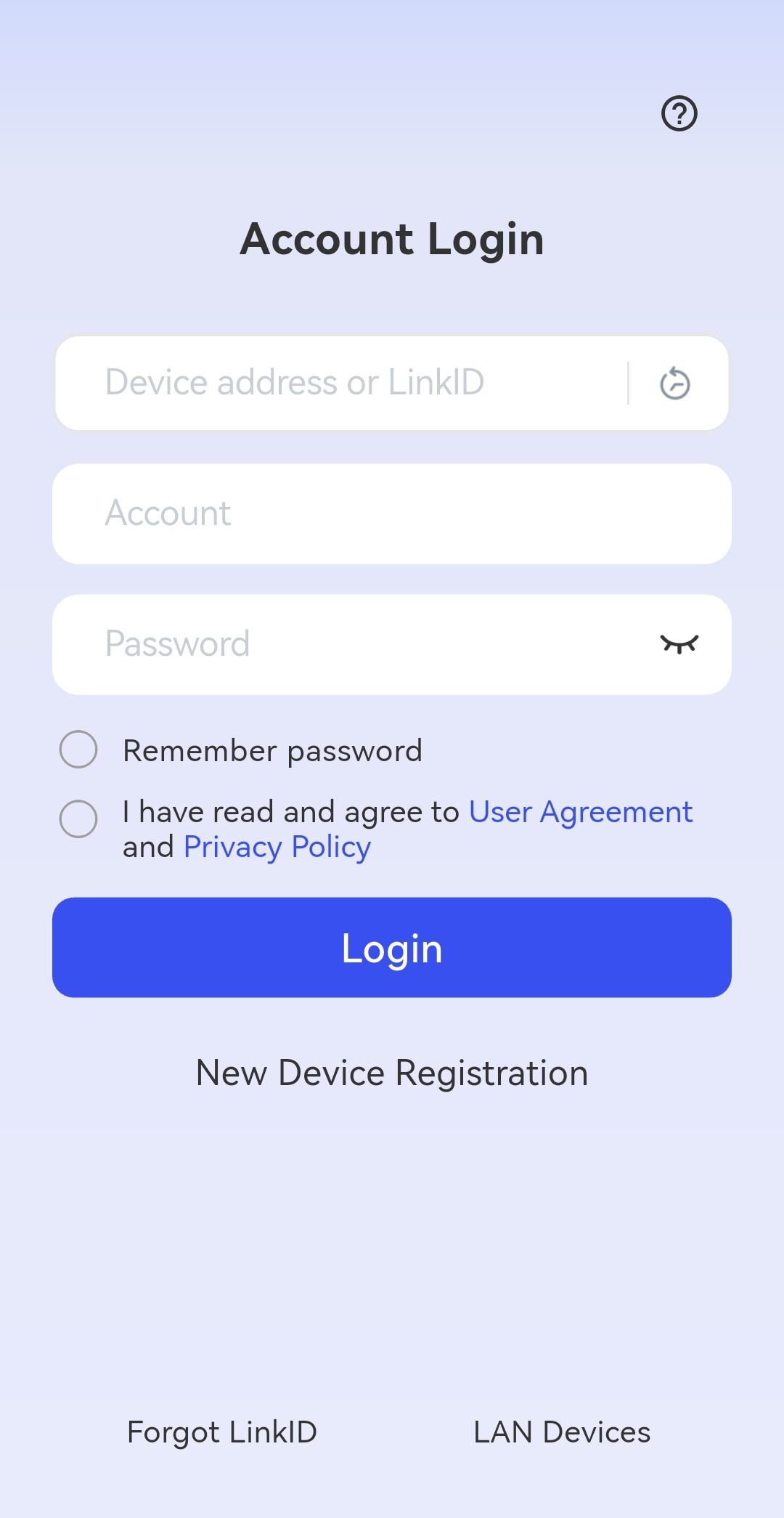
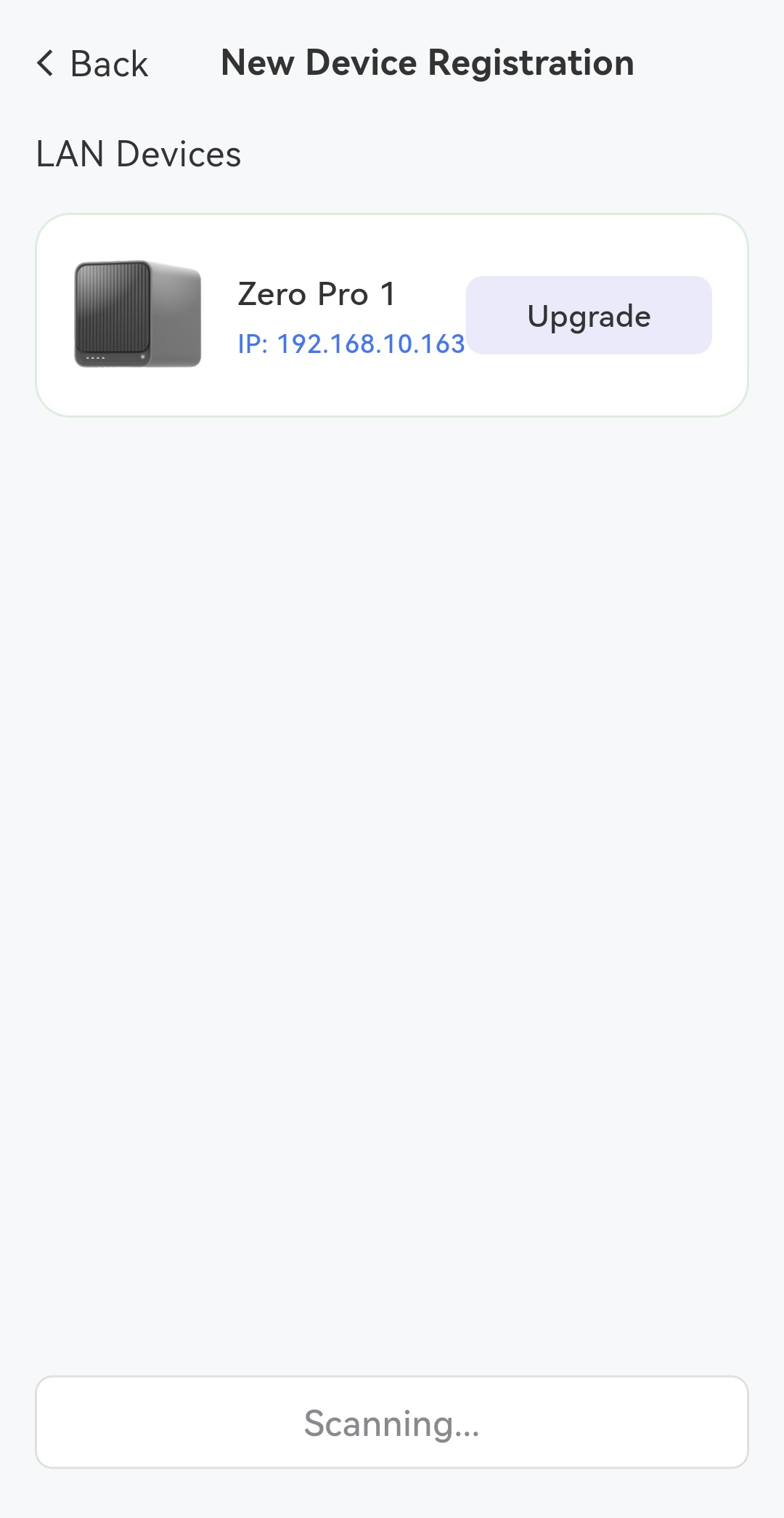
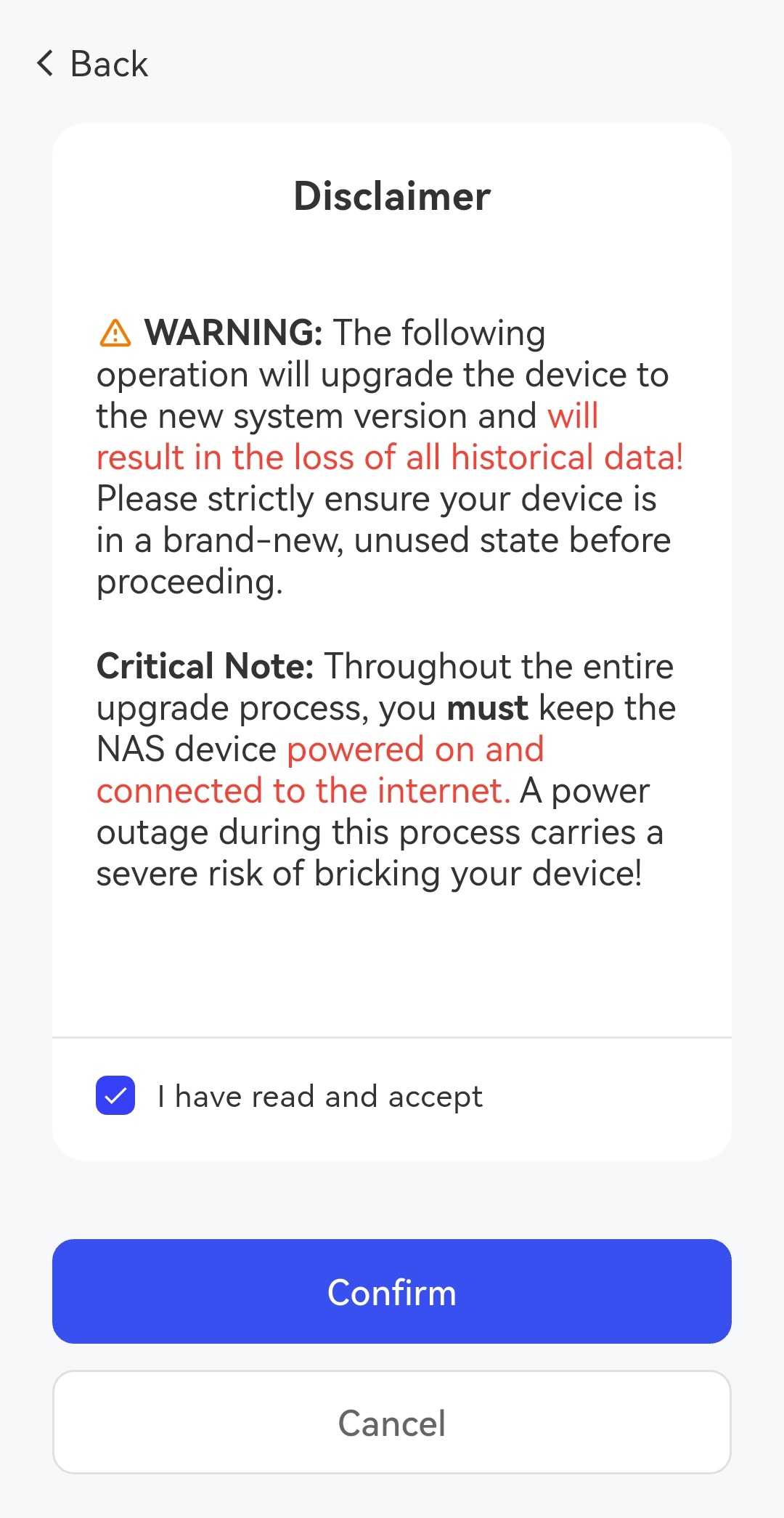
Click "New Device Registration" to start the process and select your device.
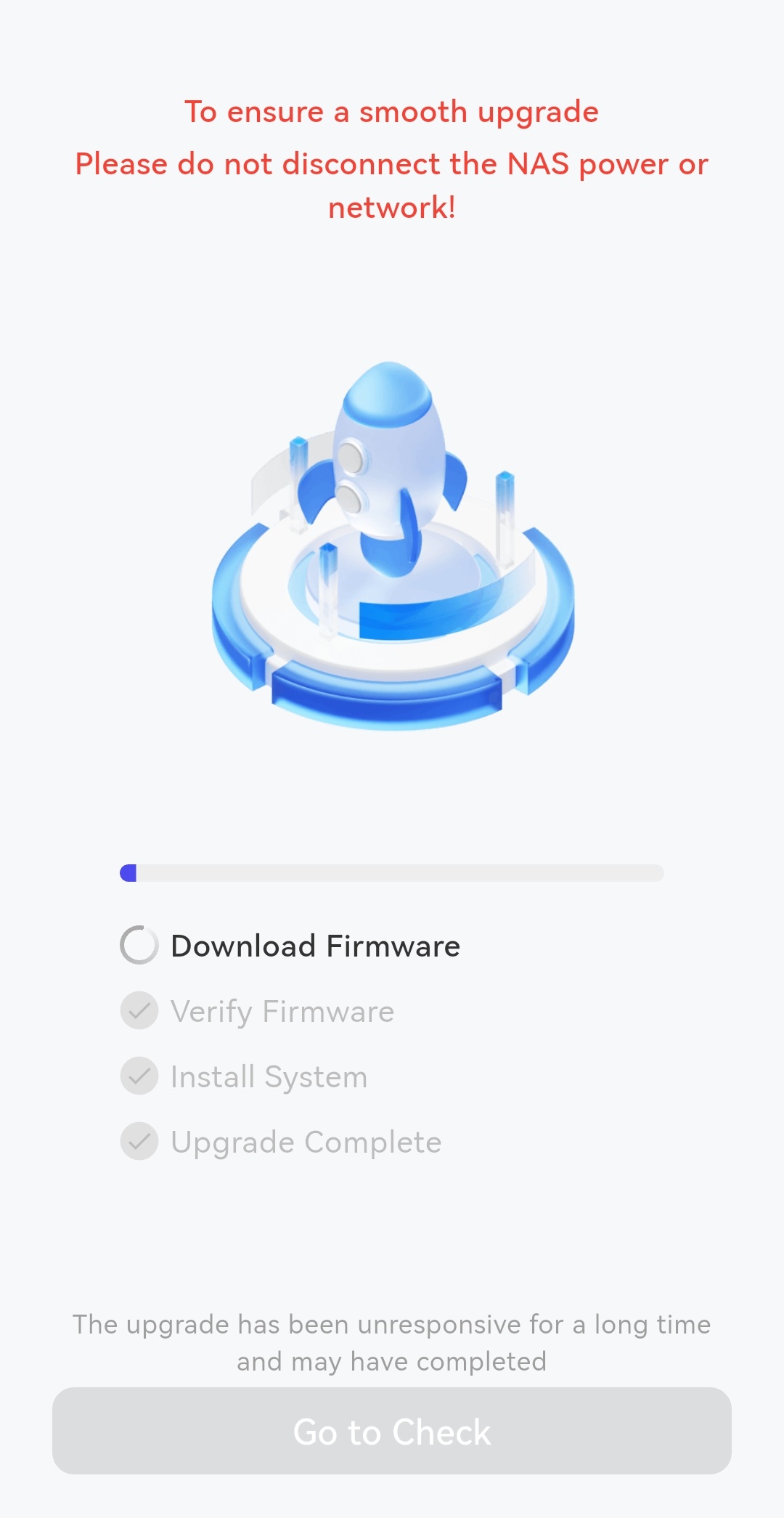
The system will automatically detect the device and complete the upgrade. The time
required depends on your network speed.
If the above methods do not solve your problem, you can contact on WhatsApp.